Why MSPs choose monsys.ai as the monitoring + compliance platform for their clients
€3/server/month from the 6th server, MSP Cockpit with all clients on one screen, RBAC impersonation, pre-issued EATs for off-hours and signed monthly reports. Plus an honest margin calculation.
As an MSP you operate on margin. Every tool you buy must be earned back through service. A monitoring platform costing €15-20/agent/month eats your margin before you've billed a single hour.
But the real cost of monitoring isn't the licence: it's the time your engineers spend managing disconnected tools. Alert in tool A, CVE in tool B, compliance in tool C, audit export in tool D. Every month, assemble it all again for the client report.
This article explains how monsys.ai works as an MSP platform, what it delivers, and what the real cost is.
The MSP model: €3/agent/month, first five free
Pricing is simple: the first five agents per tenant are free forever. From the sixth agent you pay €3/agent/month via Stripe or PayPal, cancellable monthly.
A client with 20 servers: (20 - 5) × €3 = €45/month. A client with 50 servers: €135/month.
As an MSP, you can charge this on at €8-15/server/month and you have a healthy margin on monitoring, including the compliance and audit layer that would otherwise need to be procured separately.
No MSP licence or channel agreement required. You create an account per client (each client gets its own tenant with its own RLS isolation), and manage them from one MSP Cockpit.
The MSP Cockpit: 20+ clients on one screen
The biggest pain point for MSP engineers is context switching. Log into each client, reconstruct the situation, log out, repeat. The MSP Cockpit fixes that.
 The MSP Cockpit lists every tenant on one screen, sorted by an urgency score combining open critical alerts, KEV-CVEs, SLA breaches and Trust Score deltas.
One click "Open in tenant context" uses RBAC impersonation: you work in the client context without re-logging in, and every action you take is logged with your email as actor. The client sees in their own audit pack what you did.
RBAC impersonation: transparency to the client
MSP engineers work on behalf of clients. That creates obligations around transparency and traceability, especially under NIS2.
When an MSP admin enters a client environment, a scoped session is created with a time-limited token and a mandatory reason. Every action within that session is logged with your user ID and the client tenant. The client sees in their monthly audit pack exactly when you managed their environment and what you did.
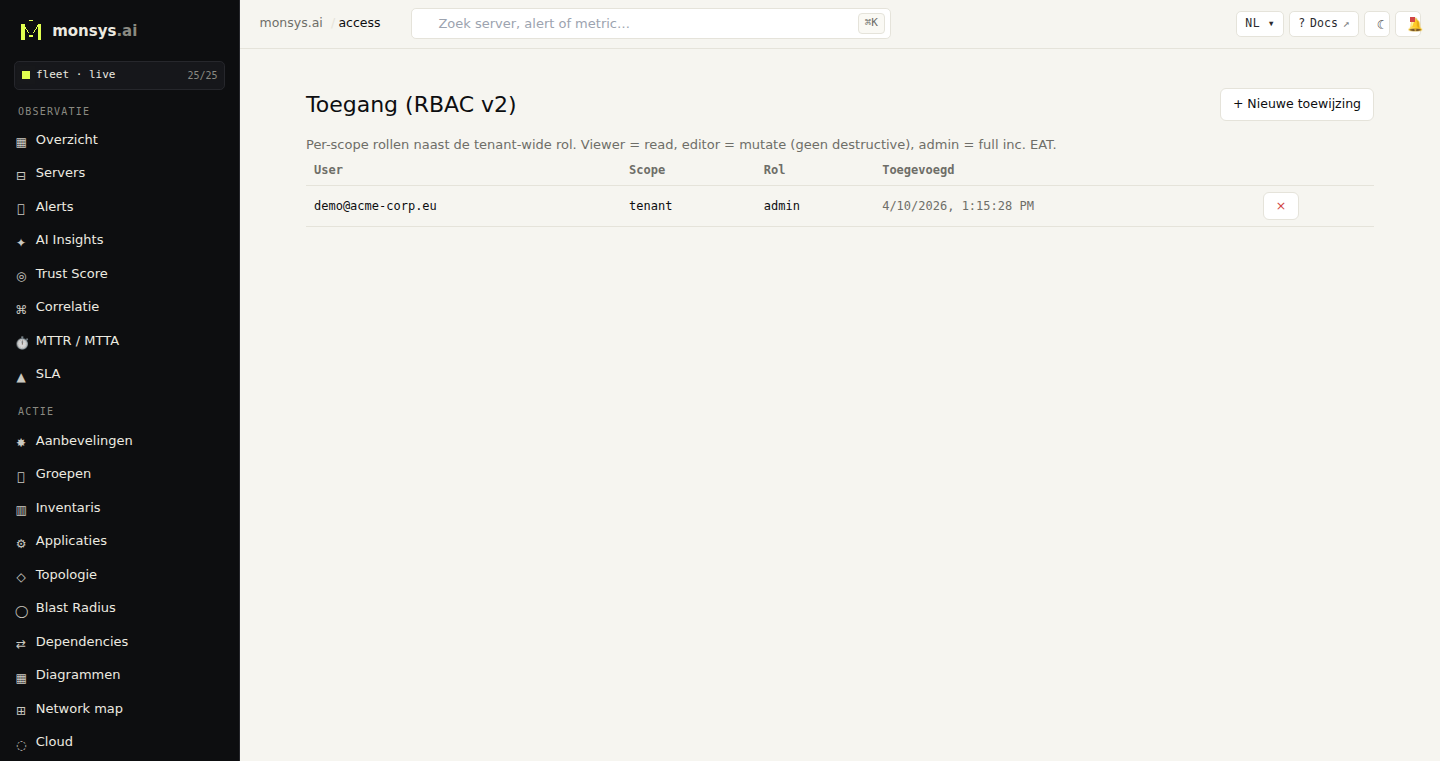 The RBAC page shows per user which role on which scope (tenant-wide or limited to a specific group / agent).
No surprises. No grey zones over who executed which action.
Pre-issued Emergency Action Tokens: off-hours coverage without waking people
Problem every MSP knows: a critical incident at 2 a.m. Your engineer is ready but must first log in, enter TOTP, create an Emergency Action Token. That's five extra minutes when ransomware encryption is active.
The solution: pre-issued EATs. You create an Emergency Action Token for a specific agent, with a validity window and an activation condition: for example: "isolate network if 5 minutes heartbeat loss or a critical alert within the window". If during that window the agent meets the condition, it executes the action itself. Single-use nonce, full audit trail. Your engineer only needs to verify in the morning that everything went well.
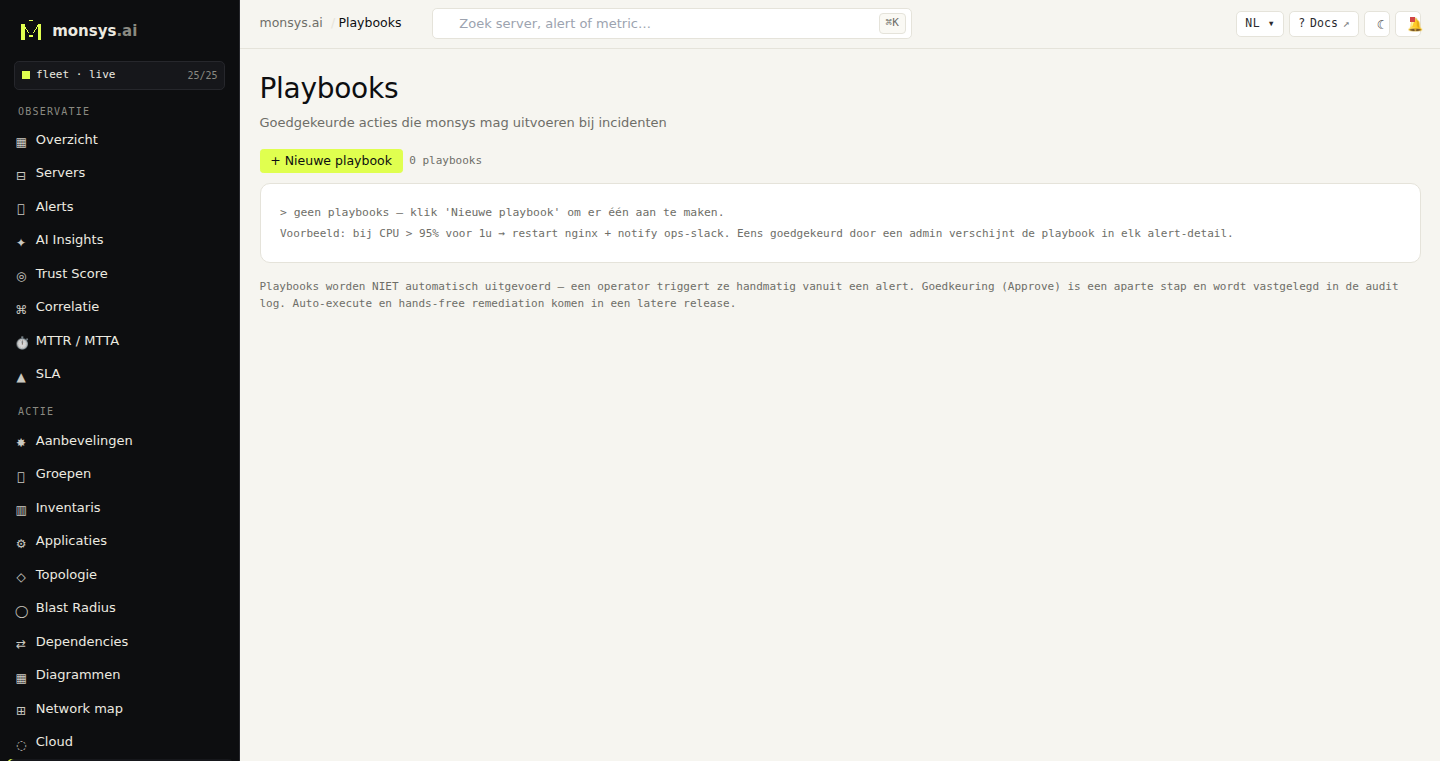 Playbooks define what an EAT may execute: from isolate-network to rotate-secrets. Pre-issued EATs reference a playbook + activation condition.
Multi-party signing: four-eyes principle for destructive actions
For irreversible actions: production database restore, secrets rotation across the fleet, network isolation of a core server, you want a four-eyes principle. Level 3 EATs require quorum: two MSP engineers, each with their own TOTP code, one engineer cannot do two approvals. The client sees in their audit pack "action executed via 2-of-2 quorum". That is strong evidence for SOC2 separation-of-duties.
The monthly report: what do you deliver to the client?
Every month a client, or their auditor, asks what was done. The monsys monthly report is a signed PDF + JSONL that the client can verify offline themselves.
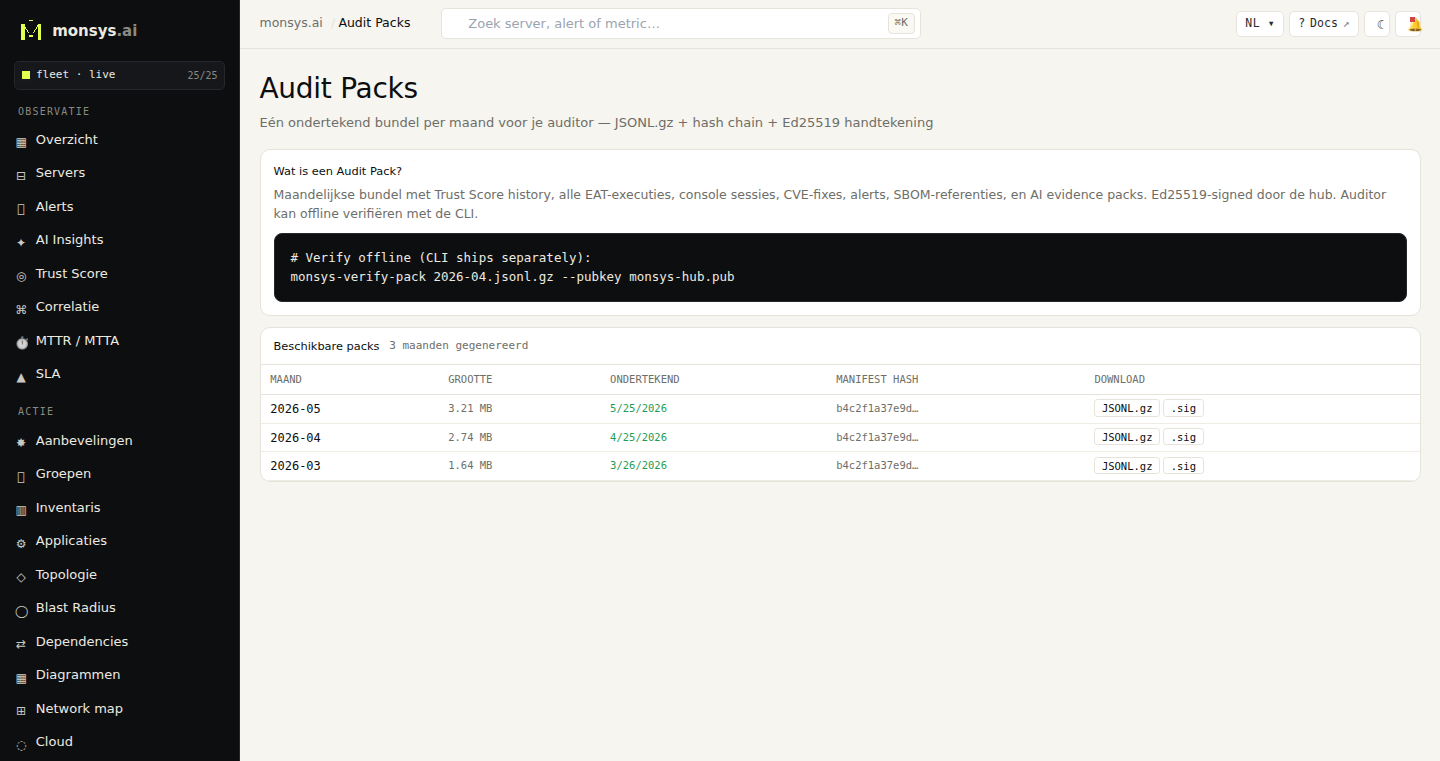 Monthly audit packs are generated automatically. Filter by MSP actor to show only your team's actions in the report.
The client verifies the PDF offline with a standalone CLI; no monsys account needed, no network call. Not your word, but cryptographic proof. That builds trust differently than a PowerPoint summary.
White-label: your brand, your client portal
Clients see your brand, not monsys.ai. Per tenant you set: logo, primary colour, product name and optionally a custom domain. The client opens ops.clientname.com and sees their own logo, your name in the footer as "powered by". They have read-only access to their own dashboard and can download their own audit evidence, but no admin actions. That stays your scope.
Pricing check: what do you earn as an MSP?
Suppose you manage 15 clients averaging 12 servers each:
| monsys cost | Charged @€10/server | Margin | |
|---|---|---|---|
| Per client (12 servers) | (12-5) × €3 = €21/month | 12 × €10 = €120/month | €99/month |
| All 15 clients | €315/month | €1,800/month | €1,485/month |
The compliance and audit layer (NIS2 evidence, evidence packs, Trust Score) is included in that €3/agent. You don't need to buy a separate compliance platform.
What MSPs report as the primary reason to switch
Based on conversations with MSP operators who evaluated:
"We used Zabbix for monitoring and a separate tool for compliance reporting. Two tools meant two logins, two data sources, and manually merging every month. With monsys it's one tool with one API."
"Client verification was the deciding factor. We now send a signed PDF the client can verify themselves. That's a different conversation than an Excel export."
"Pre-issued EATs for off-hours prevented two escalations. The engineer saw in the morning that the isolation EAT had activated and rolled back without anyone being woken up."
What we don't offer (being honest)
MSPs looking for a full SOC platform with 24/7 managed detection, threat intelligence feeds, and dedicated incident response: monsys wasn't built for that. We are a monitoring and compliance platform for MSPs who are the first line themselves.
For MSPs that need to deliver NIS2 evidence, track CVEs, and produce monthly reports for 10-50 clients: that is exactly the use case monsys was built for.
MSP workflows are documented at docs.monsys.ai/en/practical/msp. Contact us for MSP onboarding: info@gotrust.be.